TF–100 · Bids & estimating
Bids & estimating
Keep bids, deadlines and follow-ups in view. Build estimates around bid items, crews and production rates.
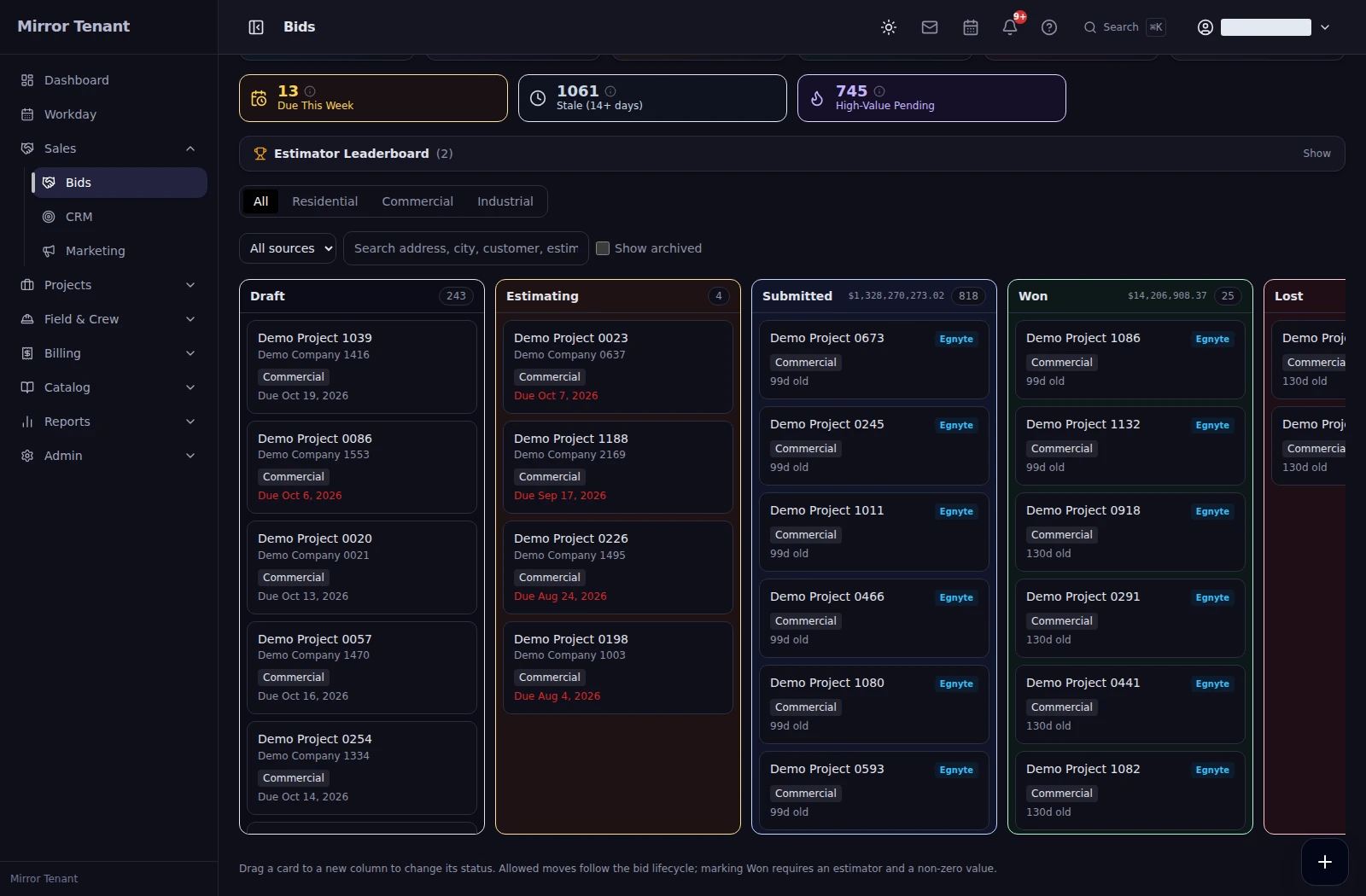 Bids & estimating
 TradeFlo Pro connects estimating, crew & equipment scheduling, field production, payroll, pay applications, and WIP billing — one platform built around how heavy-civil contractors actually run work, from the first takeoff to the last retainage check.
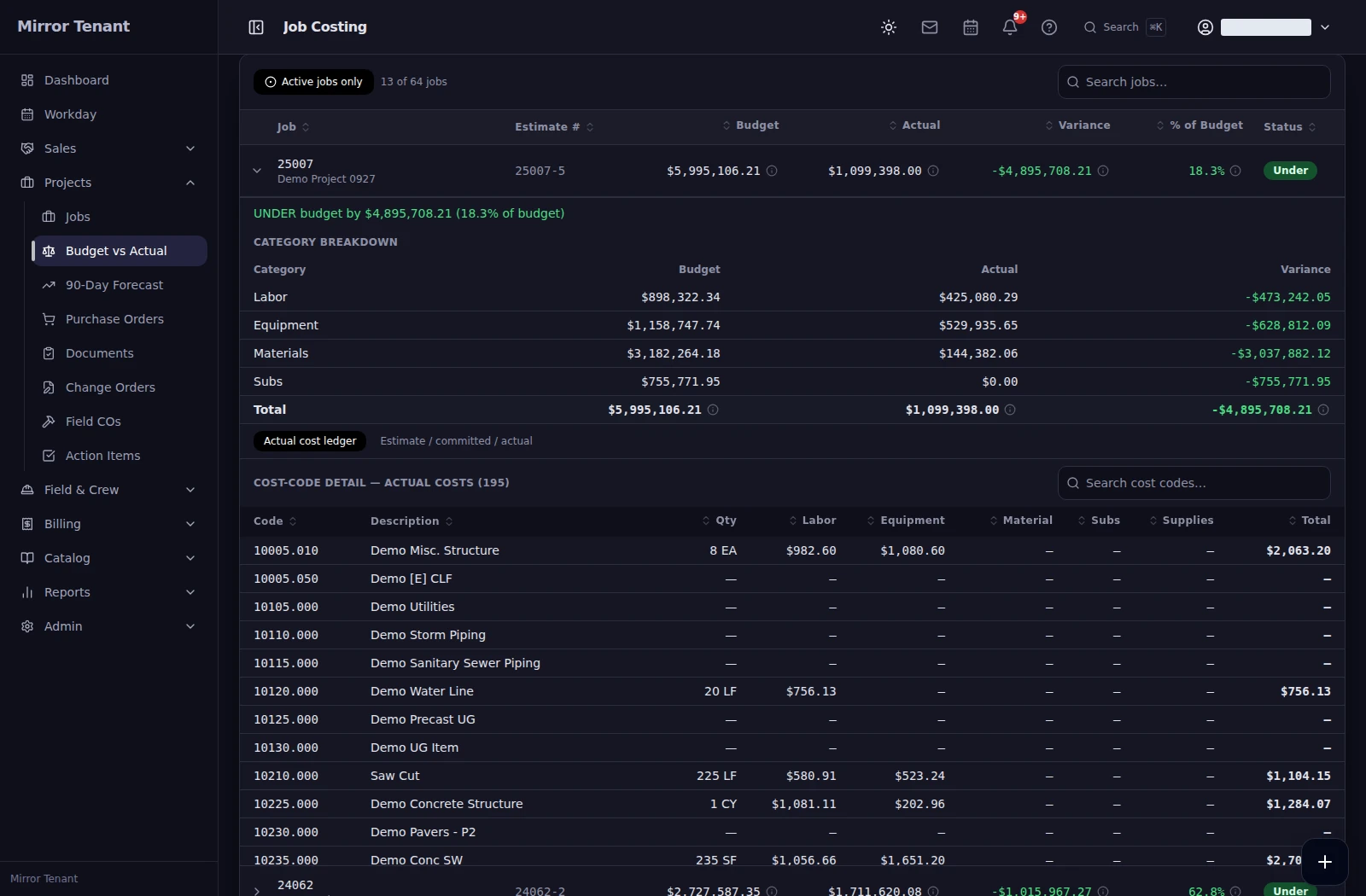 Job costs
 Deployed app · Anonymized demo workspace
Dirt, pipe, concrete, and asphalt — one platform runs the whole job, so the estimate, the field, and the billing finally share the same numbers.
Keep bids, deadlines and follow-ups in view. Build estimates around bid items, crews and production rates.
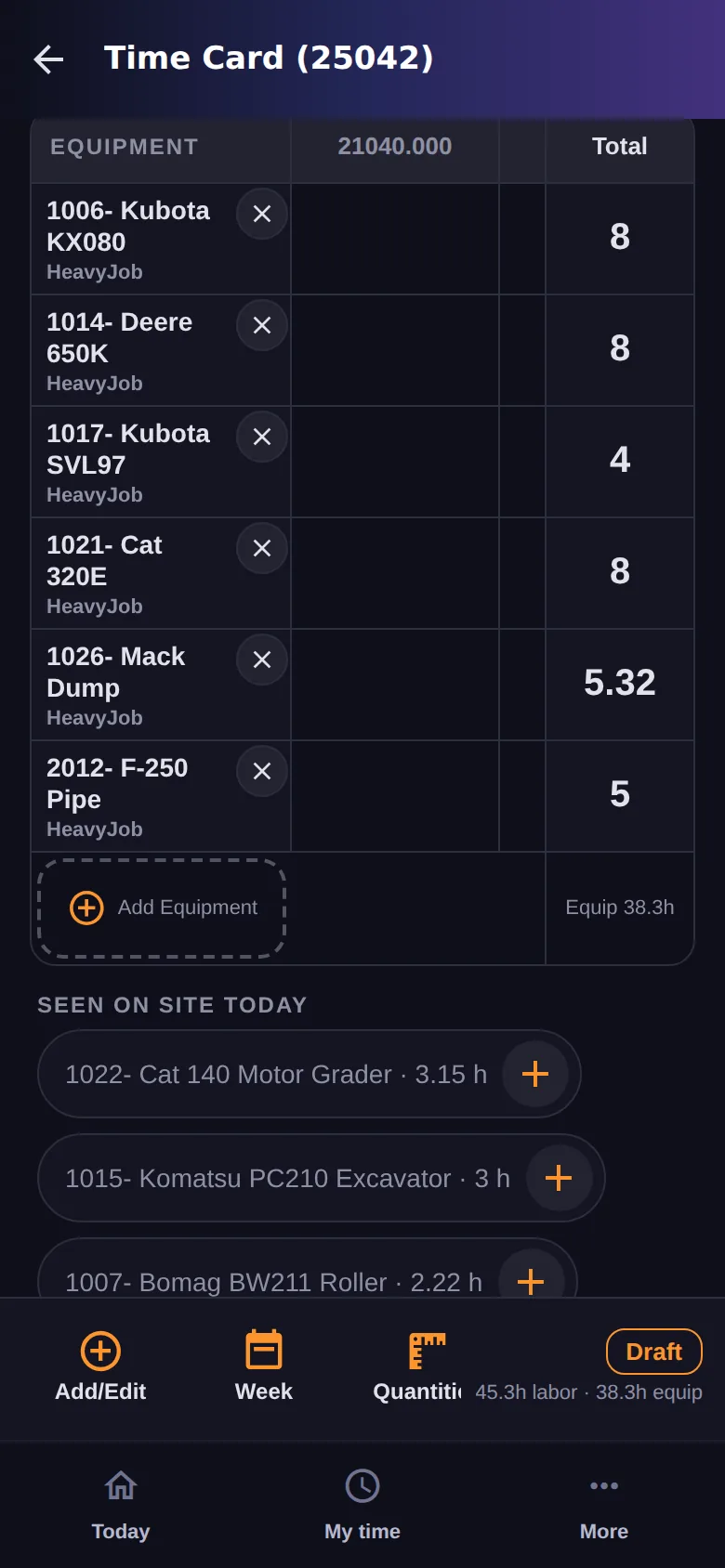
Bids & estimating See your fleet, connect machine activity to jobs and compare equipment budgets with cost-to-date. Keep usage estimates separate from recorded actual costs.
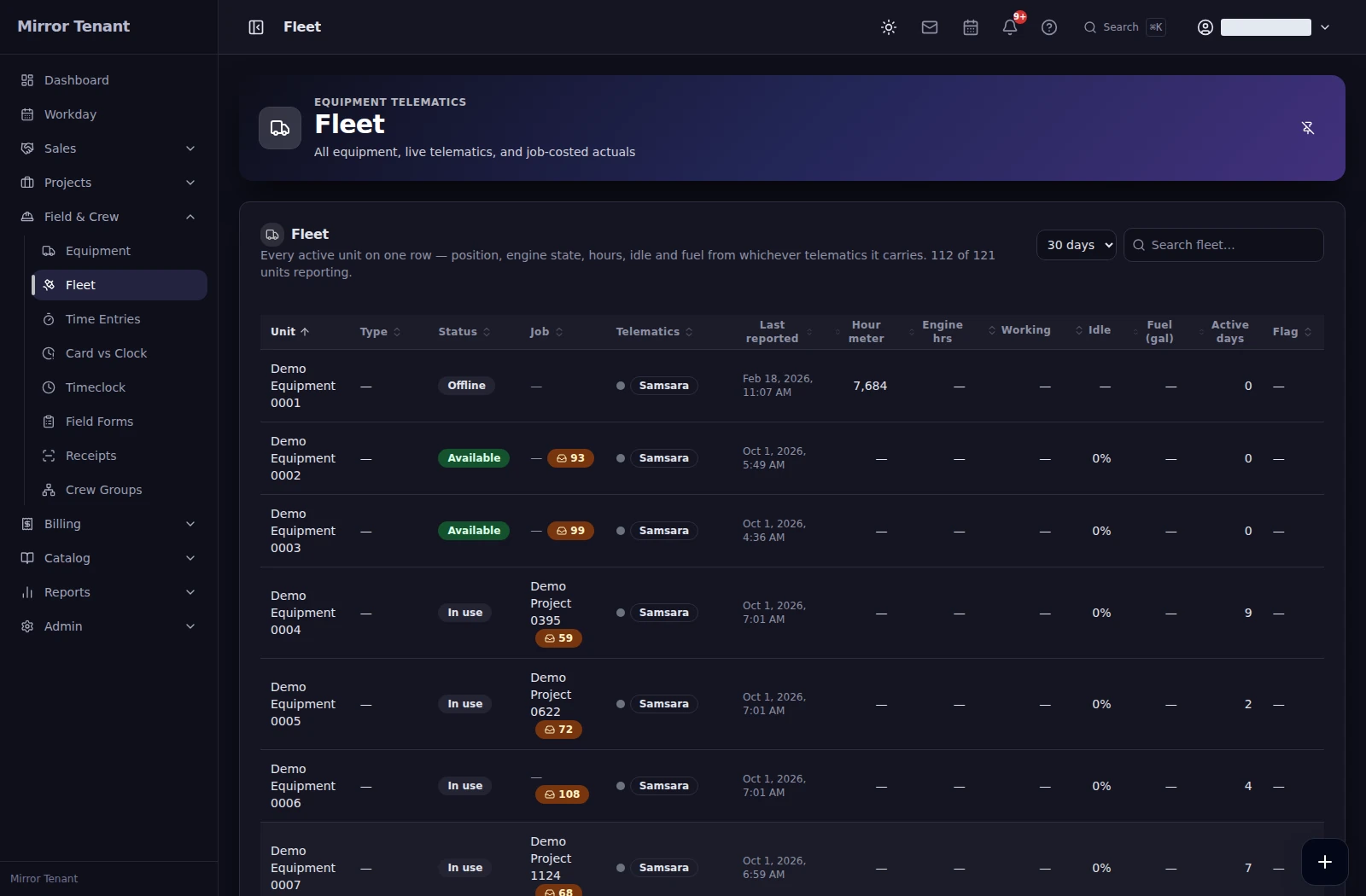 Equipment
 See crews across jobs, move assignments on a shared calendar and surface worker conflicts before the day gets away from you. This screen shows historical September 2026 assignments.
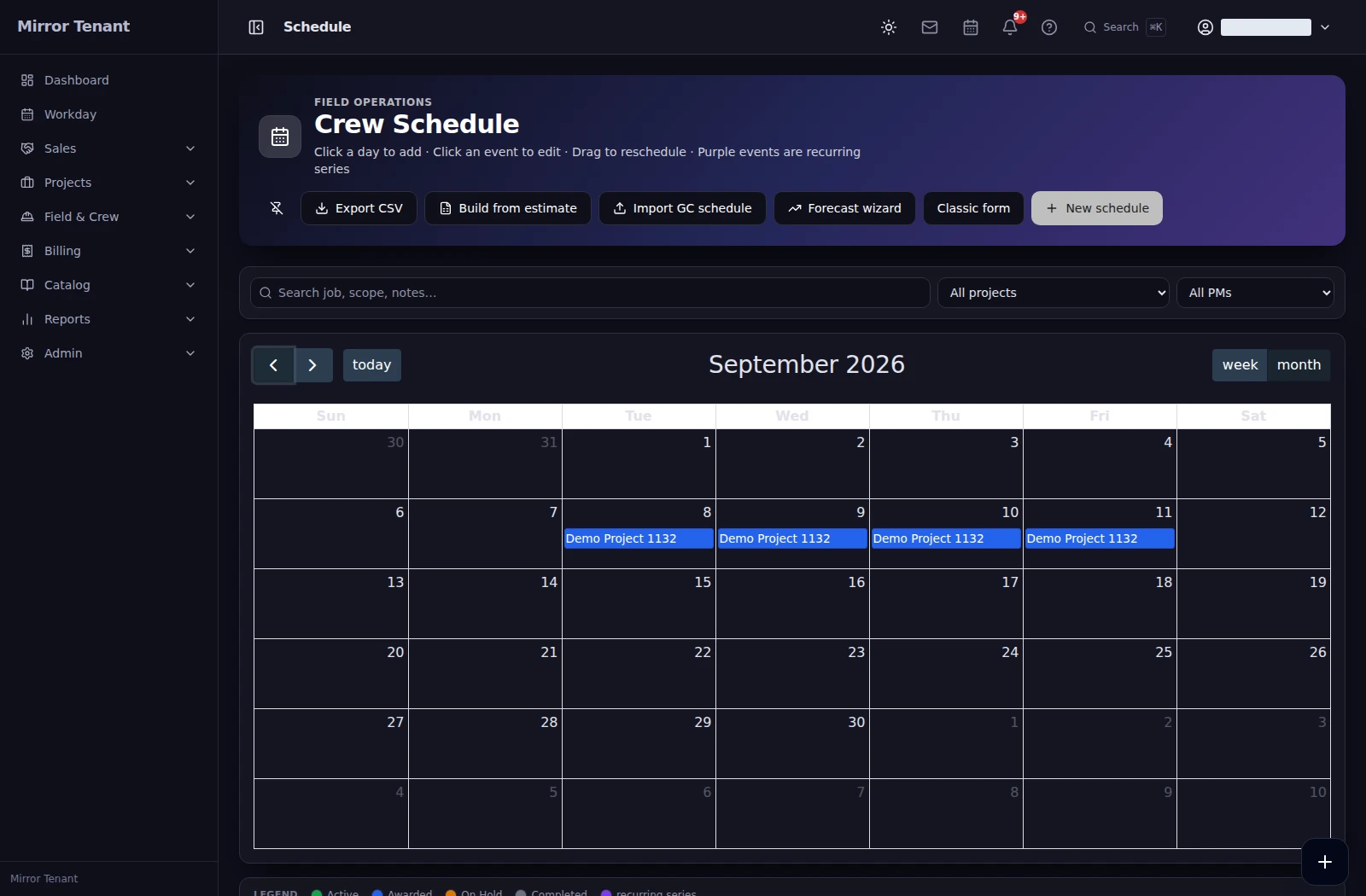 Crew scheduling
 Compare budgets, commitments and actual costs in the same job view. Follow the cost detail before deciding what needs attention.
Job costs Keep scope changes, Schedule of Values, progress draws and retainage connected, with the detail available for review.
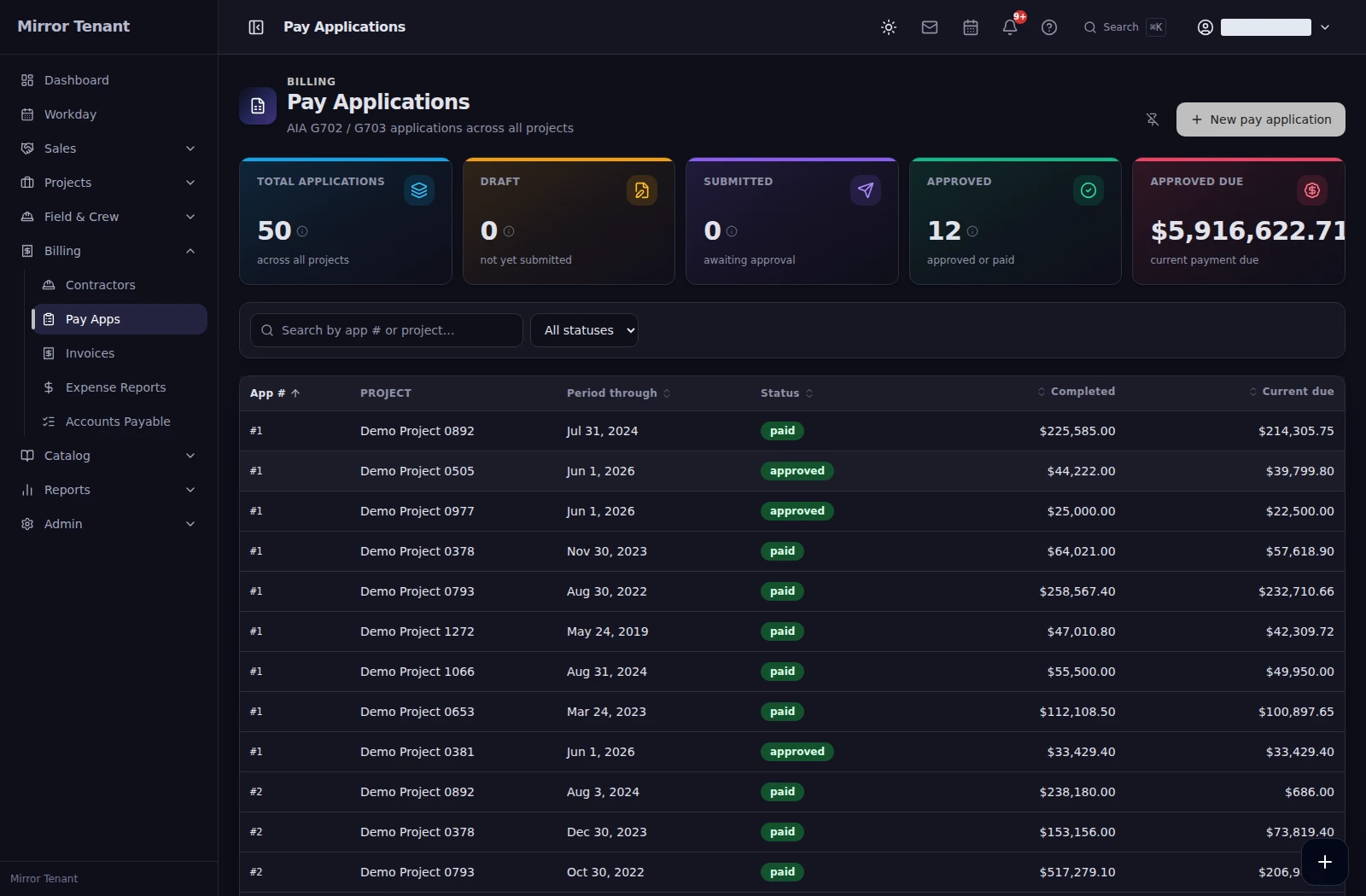 Billing & retainage
 Review job-coded time entries, dates, hours and approval status. Filter the review queue before payroll.
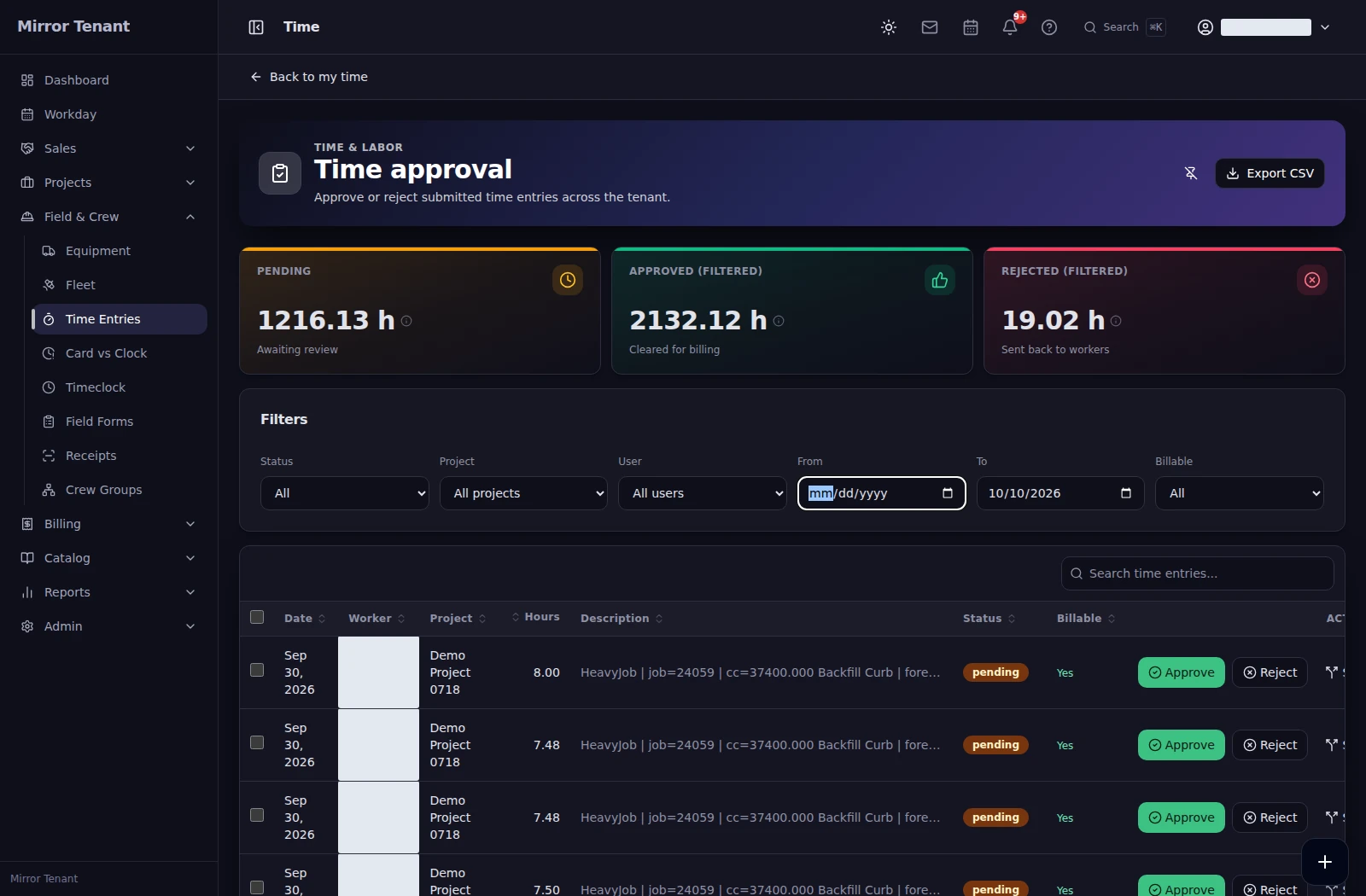 Field time & review
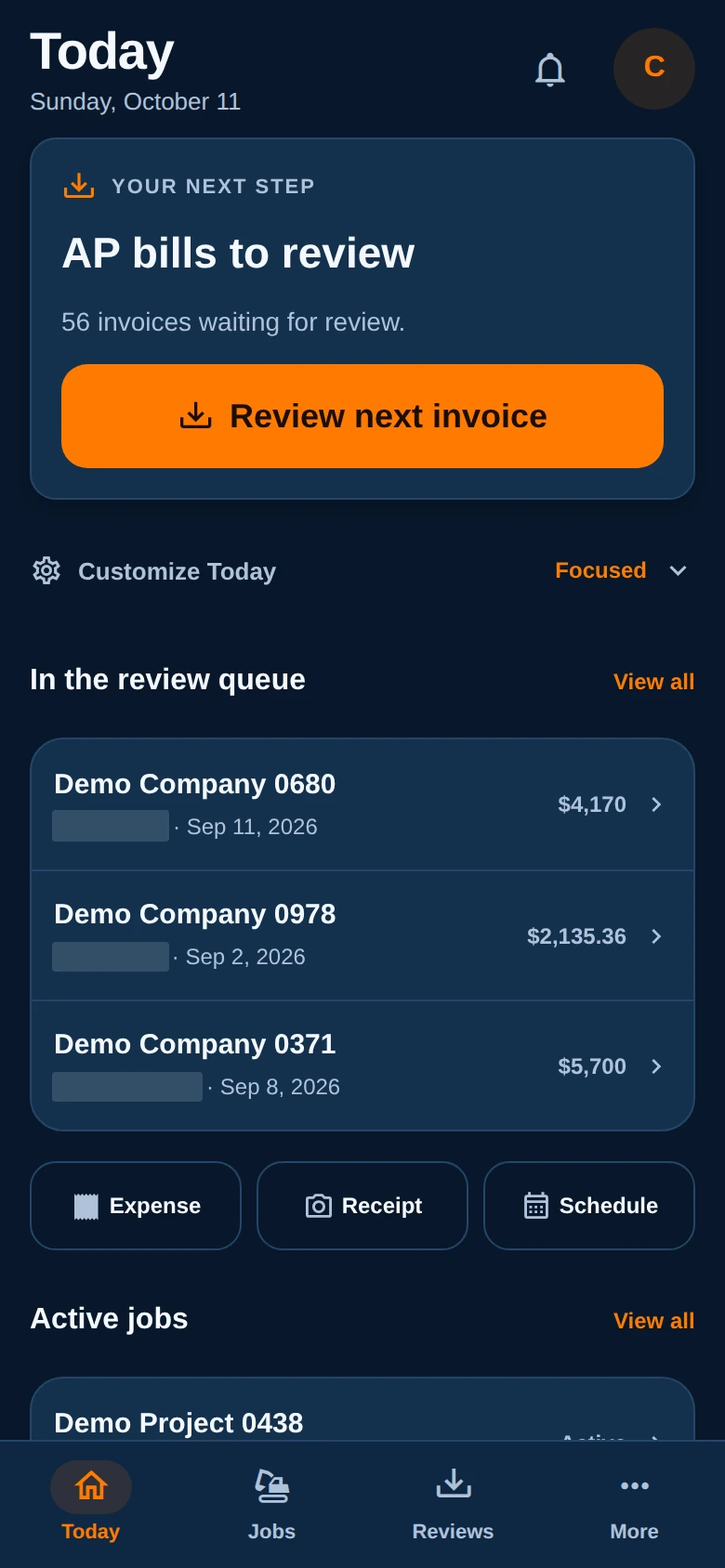
 Review the original invoice beside extracted details, code each line and route it to the right reviewer. Track approved bills through supported accounting delivery.
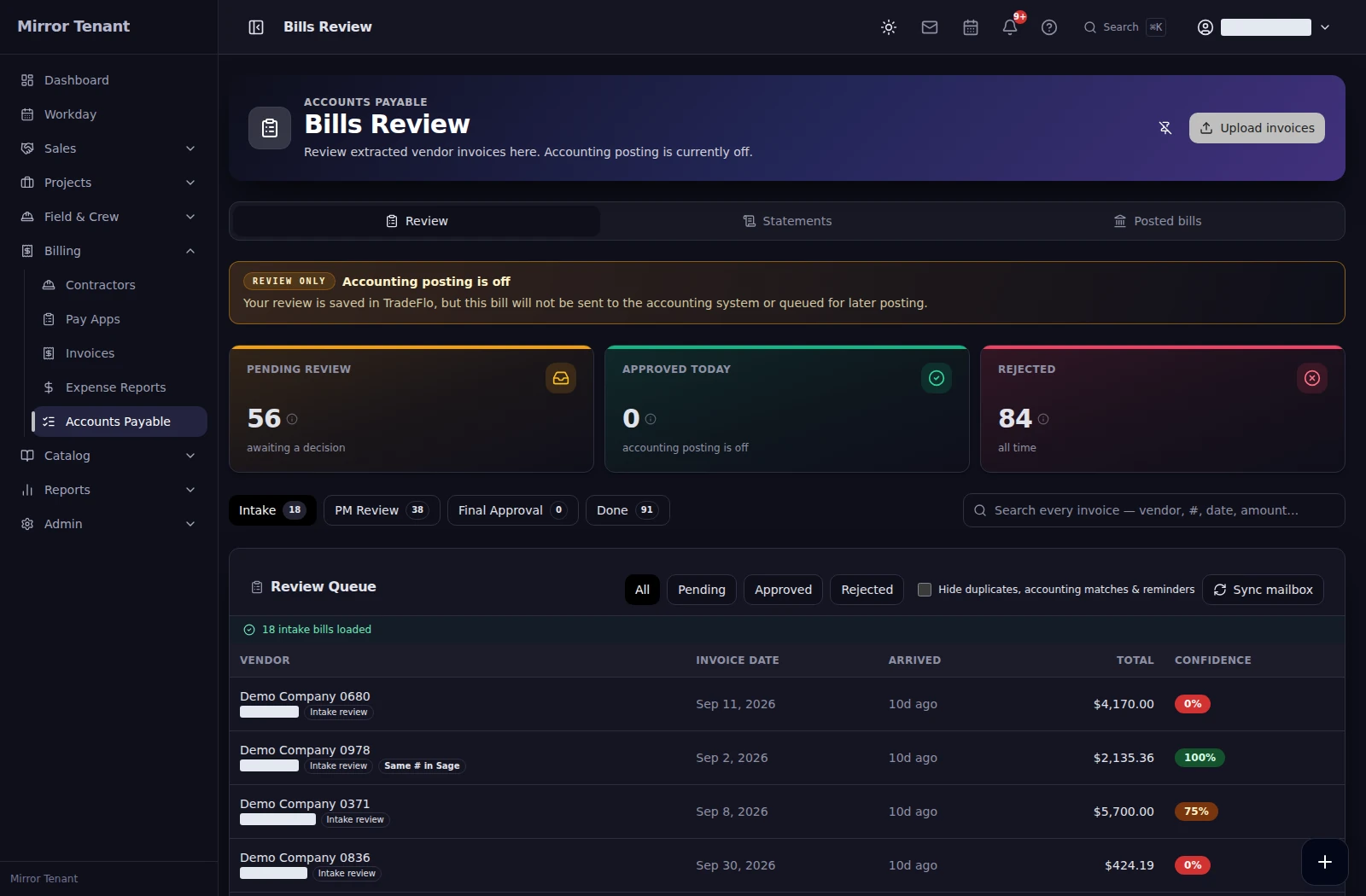 Vendor bills
 Bring accounting records into job and cash views. Supported workflows and refresh timing depend on your accounting connection.
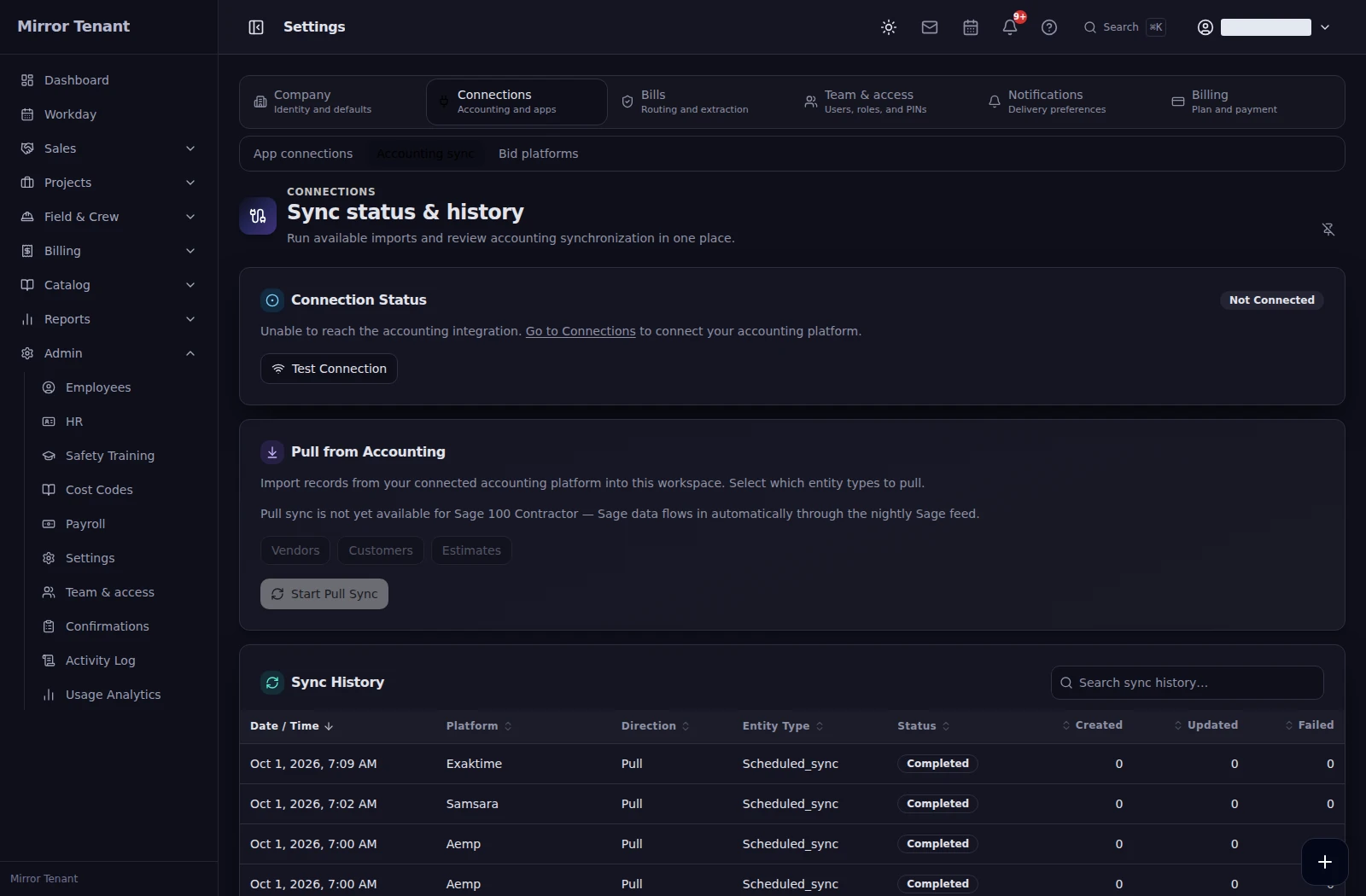 Accounting connections
 Review company-card charges, attach expense evidence and allocate costs to the right job or equipment. Keep delivery status and review holds in view.
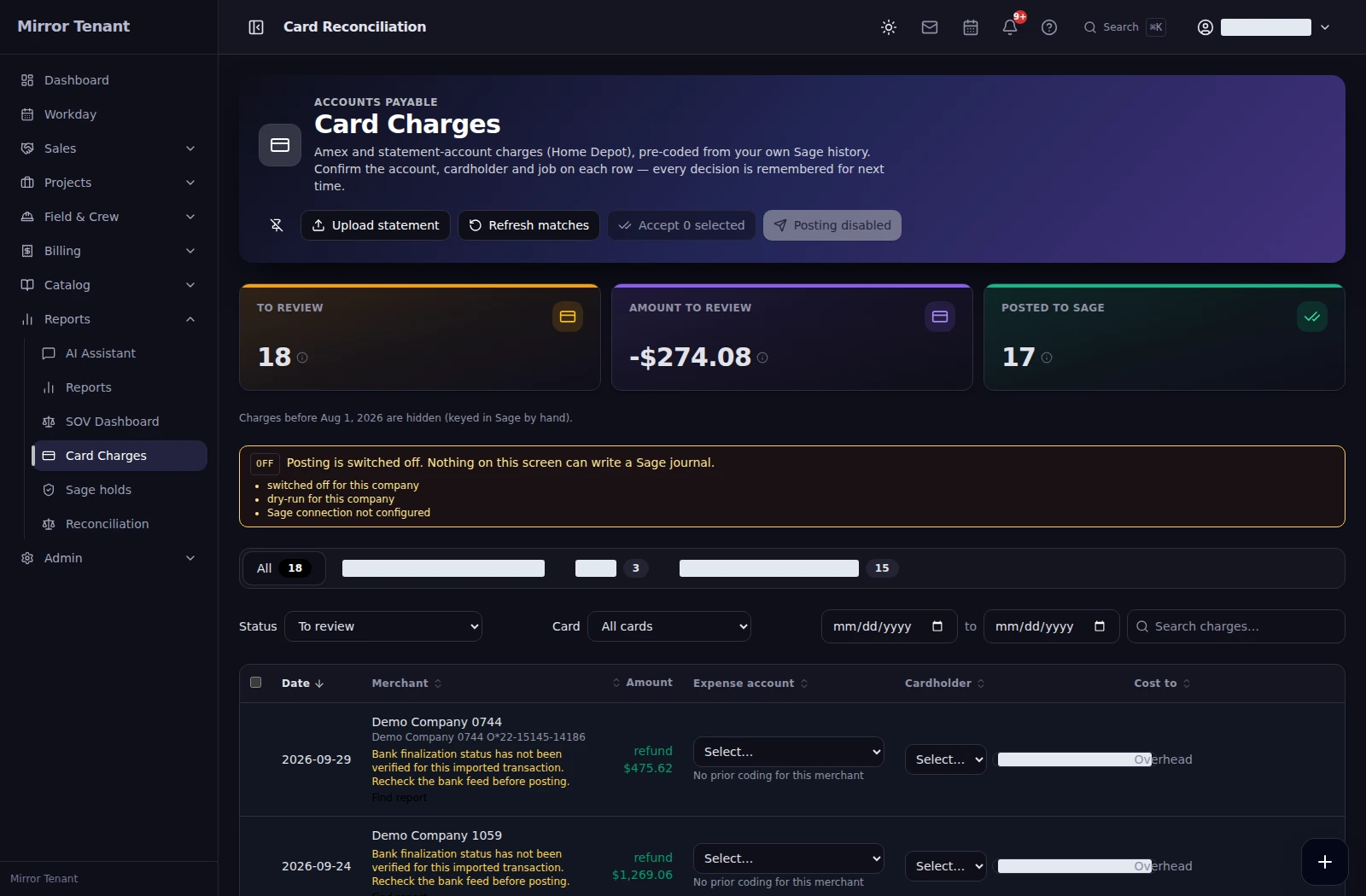 Card charges
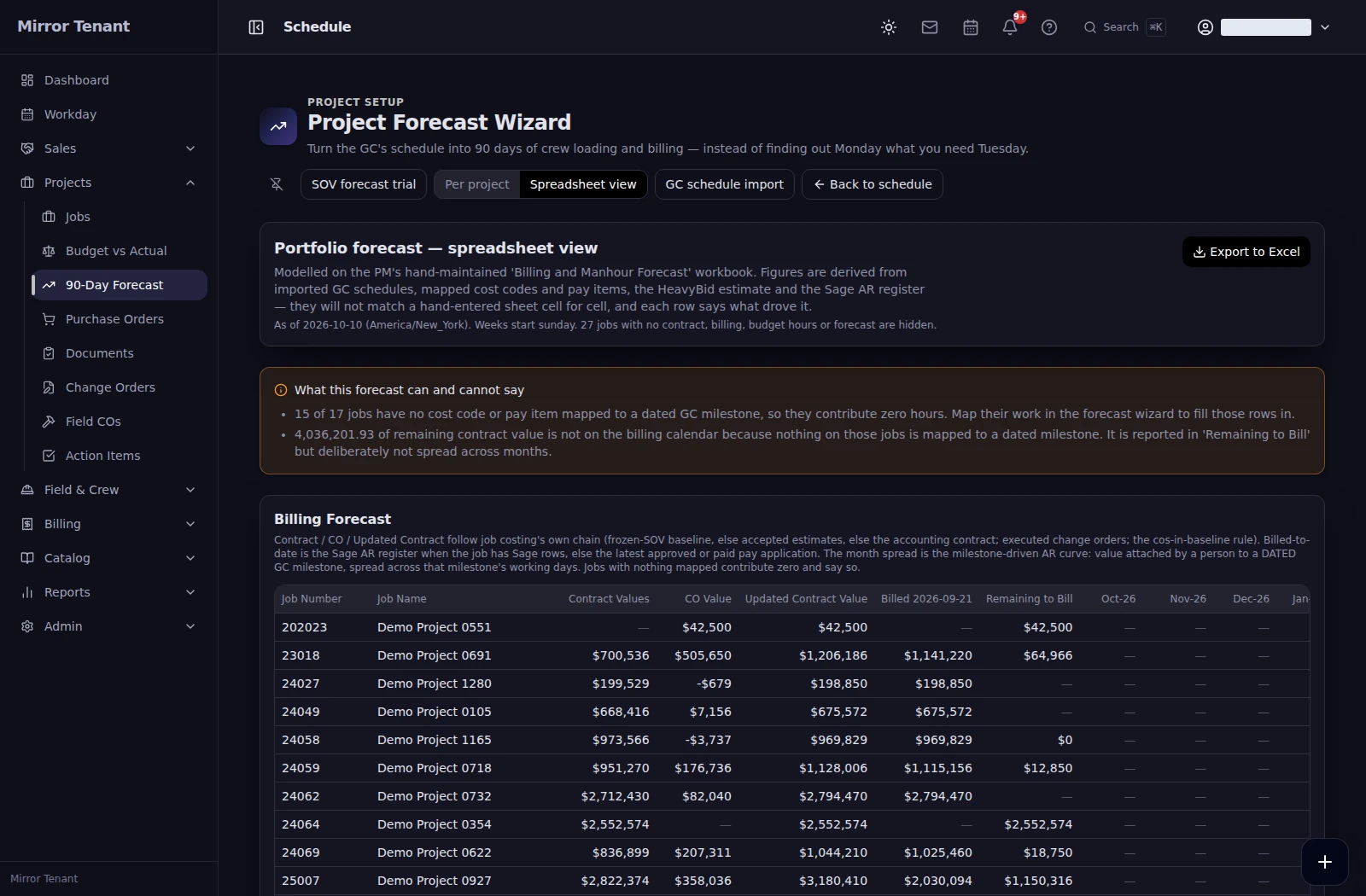
 Review cost-to-complete and billing exposure. Connect schedules to crew demand and billing forecasts, and plan cash across the next 13 weeks.
 Forecast & cash flow
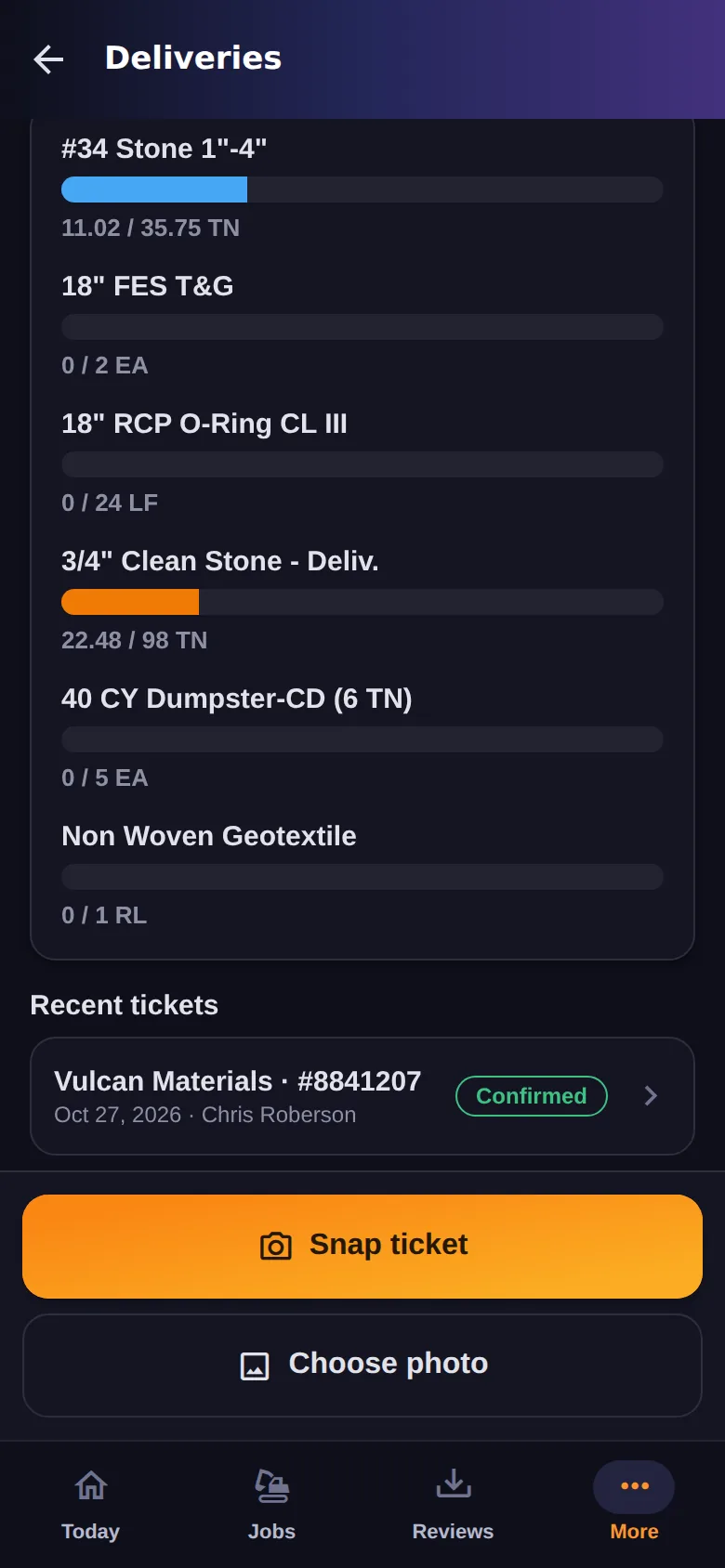
 The TradeFlo Pro field app puts schedules, GPS time clock, and daily production in every foreman's pocket — no laptop, no paper timesheets, no phone tag with the office.
Built alongside a working heavy-civil contractor, with workflows from bid to closeout
Bid items, activities, crews, and production rates. Price the dirt the way you build it — from your own history, not list prices.
Award flips the bid into a job — budget, schedule of values, and cost codes carry over. Nothing gets re-typed.
Daily crews, equipment hours, and quantities post against the budget. Cost-to-complete updates every day, not every month.
Prepare G702/G703 pay apps from the SOV, review vendor invoices captured by OCR, and review field time before payroll. Keep the detail together for month-end close.
WIP ties to the ledger, retainage is tracked to release, and as-bid vs. as-built feeds the next estimate.
Core is $1,990 per month. Full Platform is $3,990 per month. Choose the workflows your operation needs, with a workspace subscription that does not increase with your user count.
Early-access support comes straight from the people building the product — no tier-1 queue, no ticket purgatory. Questions get answered by someone who can actually change the software.
Reach us in-app once you're signed in, or write to [email protected].
Product documentation, release notes, and a guide to switching off the HCSS stack are being written alongside the product and will land here at launch.
Until then, the platform itself is the best documentation we have — sign in to early access and see it on your own jobs.
Sign in to your account, or get early access and see TradeFlo Pro on your own jobs — estimate to as-built.